
A complete technical guide to understanding, choosing, and configuring an IPTV encoder. Learn about H.265 encoding, SDI vs. HDMI inputs, and streaming protocols like SRT and HLS for professional broadcast environments.
Table of Contents
Introduction
Deploying a professional IPTV encoder is the most critical step for anyone launching a broadcast network, hotel streaming service, or live event production. Your encoding hardware acts as the bridge between your cameras and your global audience. If your encoding fails, your entire broadcast goes dark.
With the rapid evolution of digital broadcasting, modern video encoding requires a deep understanding of codecs, network protocols, and bitrate limits. Broadcasters must choose between older standards like RTMP and advanced, low-latency protocols like SRT. They also face choices between software flexibility and hardware reliability.
This definitive 2026 guide is written for streaming engineers, content creators, and system integrators. We will break down exactly how these devices work, compare top-tier broadcast equipment, and provide actionable setup advice. Whether you are running a single-camera stream or managing a complex IPTV Service, this guide has you covered.
What Is an IPTV Encoder?
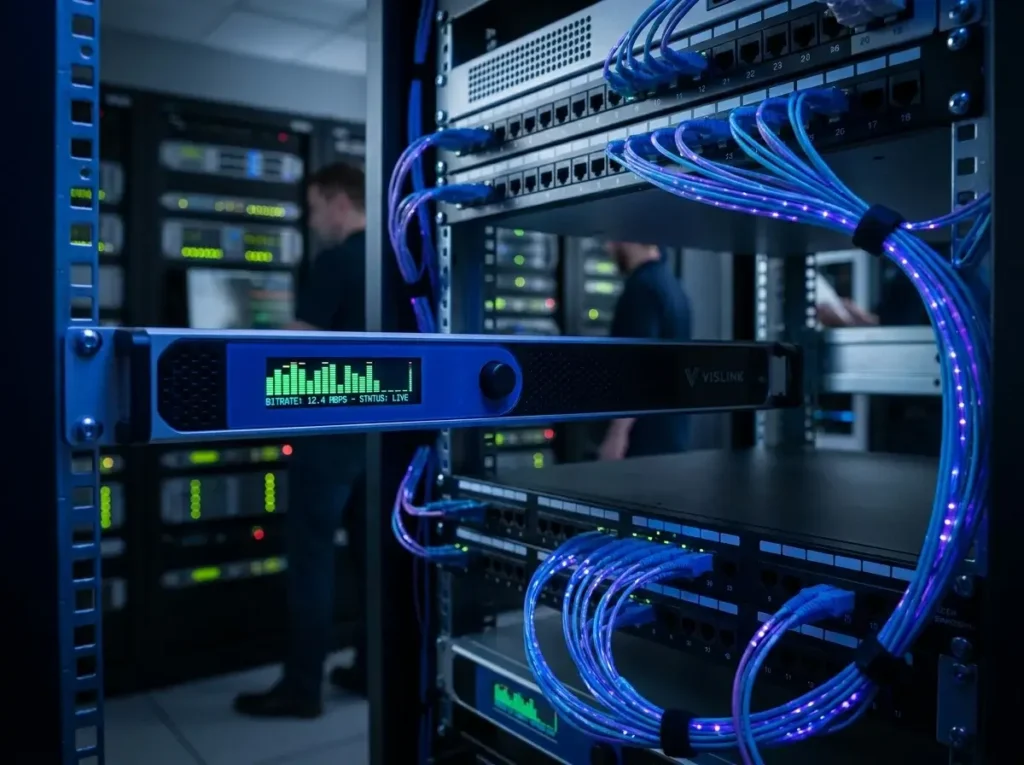
An IPTV encoder is a dedicated hardware appliance or software application that converts uncompressed video and audio signals into a compressed digital format suitable for transmission over IP networks.
Raw video data from a camera or production switcher is incredibly large and cannot be transmitted over standard internet connections. The encoder’s primary job is to compress this massive amount of data in real-time. It uses mathematical algorithms, known as codecs, to reduce file size while maintaining visual quality.
Once compressed, the encoder packages the video into a streamable protocol, such as MPEG-TS, SRT, or RTMP. This stream is then pushed to a streaming server, a Content Delivery Network (CDN), or directly to a local area network (LAN). From there, end-users can access the feed using media players like TiviMate or IPTV Smarters.
How IPTV Encoders Work: The Video Streaming Workflow
IPTV encoders work through a rapid, four-step pipeline: Capture, Compression, Packetization, and Transmission. Understanding this workflow is vital for troubleshooting latency and quality issues in your broadcast.
First, the encoder captures the raw video and audio signal through physical inputs like HDMI or SDI. Second, the internal processing unit compresses the signal using a video codec like H.264 or HEVC. This step discards redundant visual data that the human eye cannot easily detect.
Third, the compressed data is packetized, meaning it is chopped into tiny, manageable data packets. Finally, the encoder transmits these packets over the network using a designated streaming protocol. The receiving server or media player then reassembles and decodes these packets back into a viewable image.
Hardware vs. Software IPTV Encoders: Which Is Better?
Hardware IPTV encoders are dedicated, physical appliances built solely for streaming, whereas software encoders are programs installed on a standard computer. The best choice depends entirely on your production environment and budget.
Hardware IPTV Encoders
A hardware IPTV streaming encoder utilizes dedicated DSPs (Digital Signal Processors) or ASICs to process video. They are incredibly reliable, rarely crash, and consume very little power. Models like the Teradek Vidiu Go are the broadcast industry’s standard for remote, single-camera contribution.
Software IPTV Encoders
Software encoders, such as OBS Studio or vMix, offer unparalleled flexibility and limitless customization. However, they rely entirely on the host computer’s CPU and GPU. If the computer runs an intensive background process or overheats, the stream will instantly drop frames or crash.
| Feature | Hardware Encoder | Software Encoder |
| Reliability | Extremely High | Moderate to High (Depends on PC) |
| Flexibility | Limited to built-in features | Infinite (Custom overlays, scenes) |
| Form Factor | Compact, Rack-mountable | Requires a full PC/Laptop |
| Best For | 24/7 Broadcast, Mobile Live Streaming | Gamers, Studio Producers |
HDMI vs. SDI IPTV Encoders: Choosing the Right Input
An HDMI IPTV encoder is ideal for short cable runs and prosumer gear, while an SDI encoder is mandatory for professional, long-distance broadcast environments. The physical connection you choose drastically impacts signal reliability.
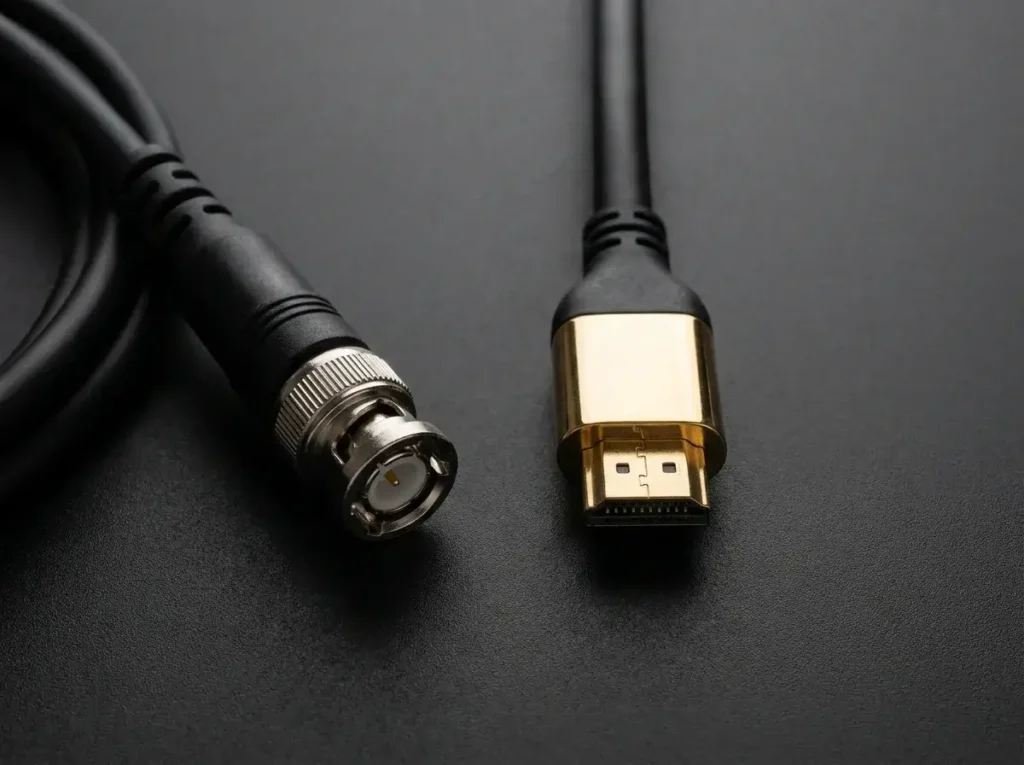
HDMI cables are consumer-grade and generally lose signal integrity after about 50 feet. They also lack locking mechanisms, meaning they can easily be unplugged if someone trips over a cable. However, HDMI is universally compatible with affordable cameras, gaming consoles, and laptops.
SDI (Serial Digital Interface) utilizes coaxial cables with locking BNC connectors. This prevents accidental disconnections during live events. Furthermore, SDI can carry high-definition video signals over 300 feet without any signal degradation, making it essential for large stadiums and concert venues.
H.264 vs. H.265 (HEVC) vs. AV1: Video Codec Comparison
A video codec dictates how your IPTV encoder compresses data; H.264 is the most compatible, H.265 offers superior compression, and AV1 represents the royalty-free future. Choosing the right codec balances visual quality against bandwidth limits.
H.264 (AVC): This is the legacy standard of the internet. Virtually every device, from old smartphones to budget smart TVs, can decode H.264 smoothly. However, it is highly inefficient for 4K video, requiring massive amounts of upload bandwidth.
H.265 (HEVC): An HEVC IPTV encoder is essential for modern high-resolution broadcasting. H.265 achieves the same visual quality as H.264 while utilizing 50% less bandwidth. It is the mandatory standard for 4K streaming, though it requires more processing power to encode and decode.
AV1: Designed by a consortium of tech giants, AV1 is an open-source, royalty-free codec. It offers even better compression than HEVC. While hardware support for AV1 encoding is still emerging, it will dominate the streaming landscape by the end of the decade.
Understanding Streaming Protocols: RTMP, SRT, HLS, and UDP
Streaming protocols are the delivery methods your encoder uses to transport video data; SRT is currently the best for ingestion, while HLS is the standard for viewer playback. Selecting the wrong protocol will cause severe latency or packet loss.
- RTMP (Real-Time Messaging Protocol): Originally developed for Flash player, RTMP is the oldest and most universally accepted ingestion protocol. It offers low latency but struggles heavily with packet loss on unstable networks.
- SRT (Secure Reliable Transport): The modern replacement for RTMP. SRT recovers lost packets in real-time, making it incredibly resilient over unpredictable public internet connections.
- HLS (HTTP Live Streaming): Developed by Apple, HLS chops video into short 10-second segments. It introduces higher latency but guarantees smooth playback across almost all web browsers and mobile devices.
- UDP/RTP: These are ultra-low latency protocols used exclusively on closed Local Area Networks (LANs). They are the backbone of corporate and hospitality IPTV systems.

Multicast IPTV vs. Unicast IPTV: Network Delivery Methods
Multicast IPTV sends a single stream to a network switch which then copies it to multiple viewers, whereas unicast sends a separate, unique stream to every single viewer. This distinction is crucial for network management.
In a unicast IPTV environment, if 1,000 people watch a 5 Mbps stream, the central server must push 5,000 Mbps of data. This model is used by OTT (Over-The-Top) services like Netflix or standard IPTV Subscription providers delivering content over the public internet.
Multicast IPTV is utilized in closed environments like hotels, hospitals, and university campuses. The encoder pushes only one 5 Mbps stream onto the local network. The network hardware (IGMP snooping switches) handles the replication, meaning network bandwidth usage stays at 5 Mbps regardless of how many screens tune in.
Crucial Features to Look for in the Best IPTV Encoder
The best IPTV encoder will feature cellular bonding, dual encoding streams, SRT support, and robust thermal management. Professional deployments cannot rely on consumer-grade capture dongles.
If you are streaming from the field, look for network bonding capabilities. Devices like the Kiloview P3 Mini can bond 4G/5G cellular, WiFi, and Ethernet together, ensuring your stream survives even if one network drops.
For rack-mounted studio environments, prioritize multi-channel density. Equipment like the Thor Broadcast SPARTAN series can accept multiple SDI or HDMI inputs simultaneously, outputting individual IP streams for complex matrix routing. Furthermore, professional units should include redundant power supplies to prevent broadcast failure.
Optimal Bitrate and Resolution Guide for 4K and HD Streaming
Matching your encoder’s bitrate to your desired resolution is the key to preventing macroblocking and pixelation in high-motion scenes. Starving a 4K stream of data will make it look worse than a properly configured 1080p stream.
When setting up your 4K IPTV encoder, you must accurately measure your available upload speed. Your internet upload speed must be at least 40% higher than your target streaming bitrate to account for network fluctuations.
| Resolution | Frame Rate | Recommended Codec | Target Bitrate |
| 720p HD | 30 fps | H.264 | 2,500 – 4,000 Kbps |
| 1080p Full HD | 60 fps | H.264 / H.265 | 6,000 – 9,000 Kbps |
| 4K Ultra HD | 30 fps | H.265 (HEVC) | 15,000 – 25,000 Kbps |
| 4K Ultra HD | 60 fps | H.265 (HEVC) | 25,000 – 35,000 Kbps |
How to Achieve Low Latency in Live Streaming
To achieve sub-second low latency, you must bypass traditional HLS delivery, utilize hardware encoding, and deploy UDP or SRT protocols. High latency ruins interactive broadcasts like live auctions or sports betting.
Standard streaming setups buffer data to ensure smooth playback, naturally introducing 15 to 30 seconds of delay. To eliminate this, your live streaming encoder must be configured to prioritize speed over packet recovery.
Switching from TCP-based protocols (like RTMP) to UDP-based protocols drastically cuts delivery time. Additionally, lowering the “GOP Size” (Group of Pictures) or Keyframe Interval in your encoder settings forces the device to send full image frames more frequently, accelerating decoding at the viewer’s end.
Comprehensive Buying Guide: Choosing the Best IPTV Encoder
Choosing the right IPTV encoder hardware requires auditing your camera outputs, your network infrastructure, and your maximum budget. There is no one-size-fits-all solution in broadcast engineering.
For multi-camera live productions in the field, the YoloBox Extreme is a powerful choice. It acts as an encoder, switcher, and monitor in a single battery-powered unit. It is perfect for solo operators who need high mobility.
For permanent enterprise installations, brands like Magewell and Thor Broadcast offer robust 1RU rack-mountable servers. The Magewell Ultra Encode series, for example, natively supports NDI® HX and SRT, making it highly flexible for modern AV-over-IP studio routing.
Need help choosing the right IPTV streaming solution? VisitIPTV Reseller TVor contact our team on WhatsApp at +44 7853 146902 for expert guidance and professional IPTV solutions.
Step-by-Step Guide: How to Configure an IPTV Encoder
Configuring an IPTV encoder involves connecting your video source, accessing the device’s web GUI, and inputting your target server’s RTMP or SRT details. Following a strict sequence prevents network handshake failures.
1.Connect Physical Hardware:
Connect your camera to the encoder using an SDI or HDMI cable. Next, connect the encoder directly to your network router or switch using a Cat6 Ethernet cable. Power on the device.
2.Access the Web Interface:
Find the IP address of the encoder (usually displayed on its LCD screen or found via your router’s DHCP list). Type this IP address into a web browser on a computer connected to the same network to access the control panel.
3.Configure Video and Audio Settings:
Navigate to the encoding tab. Set your codec (H.264 or H.265), your target resolution (e.g., 1920×1080), your frame rate (e.g., 60fps), and your video bitrate (e.g., 6000 Kbps). Ensure audio is set to AAC at 128 Kbps.
4.Input Streaming Destination:
Go to the stream output settings. Select your protocol (like RTMP). Paste the Server URL and Stream Key provided by your CDN, YouTube, or private streaming server. Click apply and start the stream.
Common IPTV Encoder Problems and Troubleshooting
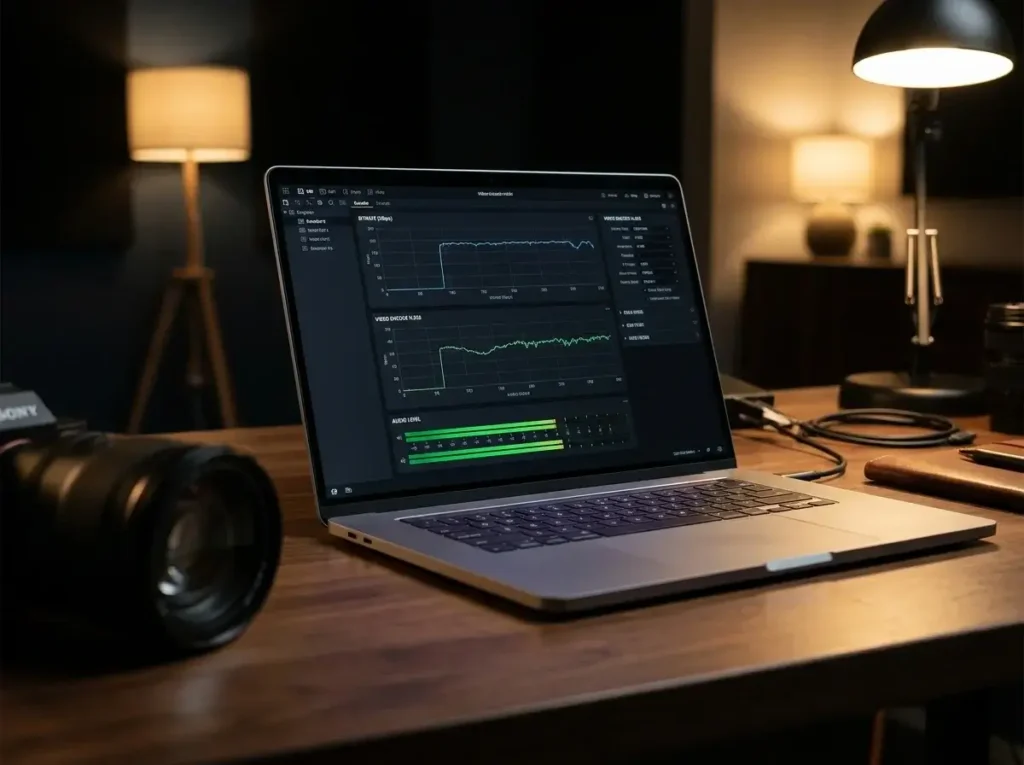
Most IPTV encoder problems stem from network jitter, mismatched sample rates causing audio desync, or thermal throttling. Identifying the root cause quickly saves live broadcasts.
Dropped Frames and Stuttering: If your stream is skipping, your upload bandwidth is fluctuating. Lower your encoder’s bitrate by 20%. Do not attempt to stream 4K video if your network upload speed is highly unstable.
Audio Out of Sync: Audio drift usually occurs when the camera’s audio sample rate (e.g., 48kHz) does not match the encoder’s output settings. Ensure the encoder is set to exactly match the incoming audio sample rate from the capture device.
Encoder Overheating: Small, fanless hardware encoders can overheat if left in direct sunlight during outdoor broadcasts. Overheating causes the processor to throttle, which immediately introduces severe macroblocking and stream crashes. Keep devices shaded and ventilated.
Expert Tips and Common Mistakes to Avoid in IPTV Setup
The most common mistake novice broadcasters make is relying on Wi-Fi for their primary encoder connection instead of hardwired Ethernet. Wi-Fi is incredibly susceptible to radio interference, which causes fatal packet loss.
Always deploy a dedicated network switch for your streaming hardware. Never share your encoding network with public guest Wi-Fi at a venue. A sudden influx of smartphones connecting to the router will instantly choke your upload bandwidth.
Furthermore, always configure a secondary backup stream. Professional IPTV Smarters networks and high-end CDNs support primary and backup ingestion URLs. If your main encoder fails, the system automatically switches to the backup encoder with minimal viewer disruption.
The Future of IPTV Encoding Technology
The future of IPTV encoding lies in cloud-based processing, the widespread adoption of the AV1 codec, and AI-driven dynamic bitrate adjustments. Physical hardware is rapidly evolving to support these cloud-hybrid workflows.
Cloud encoding allows broadcasters to send a single, high-quality SRT feed from the venue to a massive AWS or Google Cloud server. The cloud server then handles the heavy lifting of transcoding the video into multiple resolutions (1080p, 720p, 480p) for various devices.
Artificial Intelligence is also being integrated into encoding chips. AI can analyze video frames in real-time, applying aggressive compression to static backgrounds while allocating high bitrate exclusively to fast-moving subjects. This “Region of Interest” encoding will drastically reduce bandwidth costs for major providers.
Frequently Asked Questions (15 FAQs)
1. What is an IPTV encoder?
An IPTV encoder is a hardware device or software program that compresses raw video and audio signals into a digital format, allowing it to be streamed over the internet or a local IP network.
2. What is the difference between an IPTV encoder and a decoder?
An encoder compresses and transmits video data from a source (like a camera) to a network. A decoder receives that network stream, decompresses it, and outputs it to a display screen.
3. Which is better: H.264 or H.265?
H.265 (HEVC) is vastly superior in efficiency, requiring half the bandwidth of H.264 to deliver the same visual quality. However, H.264 remains more universally compatible with older playback devices.
4. Can I use software like OBS as an IPTV encoder?
Yes. OBS Studio is a powerful, free software encoder. However, it requires a robust, dedicated PC to run reliably without crashing during long broadcasts.
5. What upload speed do I need for a 1080p stream?
For a smooth, high-quality 1080p stream at 60fps, you should configure your encoder to 6,000 Kbps. Therefore, your network should have a stable, dedicated upload speed of at least 10 Mbps to provide a safety buffer.
6. Why does my stream keep buffering?
Buffering occurs when your encoder is pushing data faster than your network upload speed can handle, or faster than the viewer’s download speed. Lower your encoder’s video bitrate to resolve this.
7. What is the SRT protocol?
Secure Reliable Transport (SRT) is an open-source video transport protocol that optimizes streaming performance across unpredictable networks by recovering lost data packets in real-time.
8. Should I use an HDMI or SDI encoder?
If you are running long cables (over 50 feet) in a professional environment, you must use SDI. For shorter runs and consumer cameras, HDMI is perfectly acceptable.
9. What is a hardware encoder?
It is a dedicated physical appliance containing specialized processing chips built exclusively to encode video. They are far more stable and reliable than software running on a standard laptop.
10. Do I need a 4K IPTV encoder?
Only if your entire production pipeline (cameras, switchers, and CDN) supports 4K, and you have at least 30 Mbps of dedicated upload bandwidth available.
11. What is multicast streaming?
Multicast streaming sends a single video feed over a local network, and the network switches replicate the stream for multiple viewers. It is highly efficient for closed environments like hotels.
12. Can a VPN affect my IPTV encoder?
Yes. While a VPN secures your connection, encryption overhead can introduce slight latency and reduce your maximum upload bandwidth. Ensure your VPN server is high-speed and geographically close.
13. What does “bonding” mean in streaming?
Cellular bonding combines multiple internet connections (e.g., two 4G modems, Wi-Fi, and Ethernet) into one massive, redundant pipeline. If one connection fails, the stream continues on the others.
14. Where can I buy professional IPTV equipment?
You can source enterprise-grade encoding equipment through certified system integrators. View our Pricing and hardware options for professional deployments.
15. How do I get support for my streaming setup?
For enterprise setup and server configuration, you can reach out to network professionals. Visit our Contact Us page for expert assistance and network troubleshooting.
Conclusion
Mastering the mechanics of an IPTV encoder is essential for anyone serious about digital broadcasting in 2026. These powerful devices dictate the ultimate quality, stability, and latency of your video stream.
By understanding the vital differences between hardware reliability and software flexibility, and by embracing modern protocols like SRT and H.265 (HEVC) compression, you can ensure your content reaches audiences flawlessly. Always prioritize network stability, hardwire your connections, and configure your bitrates strictly according to your available upload bandwidth.
Whether you are streaming a local church service or managing a massive, global media matrix, deploying the right encoding technology is the foundation of your success.
Need expert advice on building your broadcast infrastructure? VisitIPTV Reseller TVor message us on WhatsApp at +44 7853 146902 to discover professional streaming solutions. Read moreAbout Usand elevate your streaming business today.